
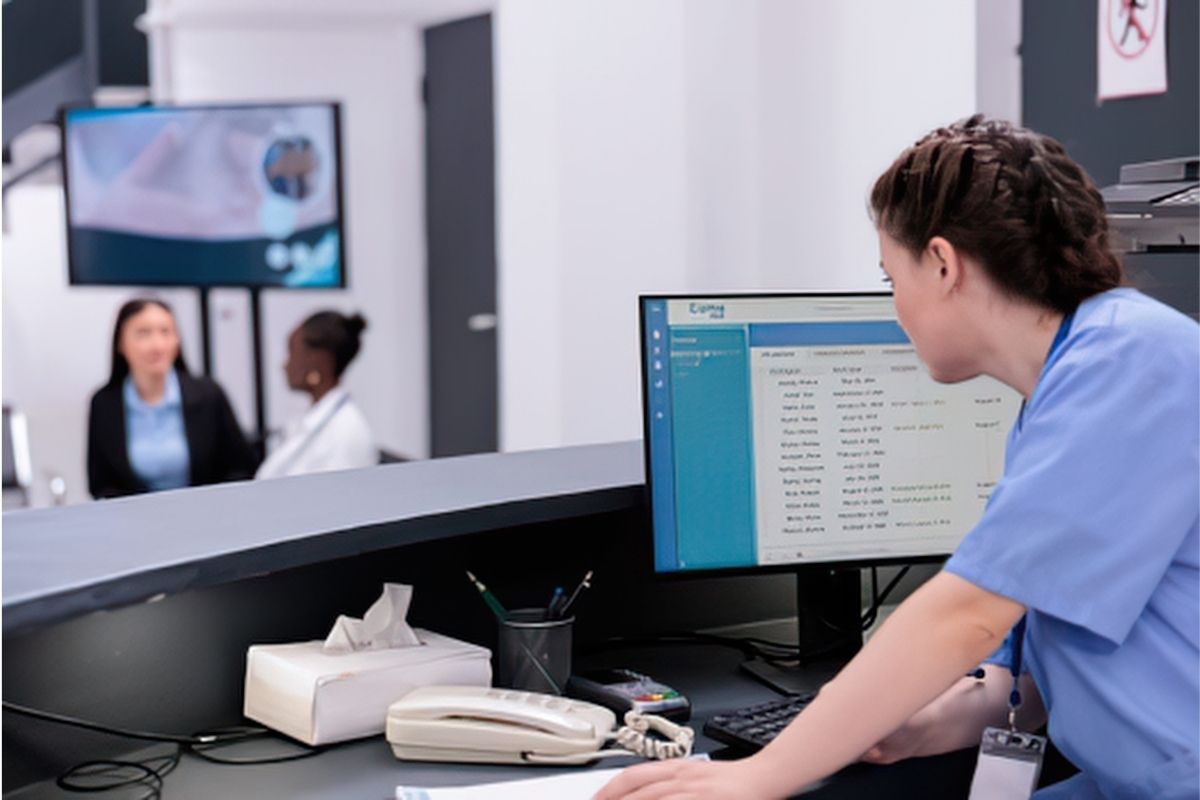
Practice management software helps keep a medical practice organized and running efficiently. It supports appointment scheduling, patient registration, billing, insurance verification, and reporting. These tools can also help staff create a smoother patient experience. However, as your practice expands, the system that once met your needs may begin creating bottlenecks instead of improving productivity. These challenges may indicate that your medical practice has outgrown its current practice management software and that the system no longer fully supports day-to-day operations.
As patient volumes increase and administrative processes become more complex, it is important to review whether your practice management software still meets your organization’s needs. A review can also uncover opportunities to improve scheduling, billing, and reporting while supporting future growth.
5 signs your practice management software may no longer fit your practice
1. Scheduling Has Become More Difficult
Efficient scheduling helps providers stay productive while supporting a smoother patient experience. However, frequent appointment conflicts, double bookings, scheduling limitations, or manual calendar adjustments may indicate that your software no longer meets your practice’s needs.
Common scheduling challenges include:
- Frequent appointment conflicts
- Limited support for multiple providers or locations
- Manual scheduling adjustments
- Difficulty managing cancellations and waitlists
The right practice management solution can simplify scheduling and make appointments easier for staff to manage.
2. Billing Processes Are Slowing Down Revenue
Billing software should support an efficient process, but outdated systems can create unnecessary administrative work. For example, staff may deal with manual claim processing, delayed reimbursements, and recurring billing errors. As a result, these issues can affect cash flow and increase staff workloads.
Warning signs include:
- More claim rejections
- Slow payment processing
- Manual billing tasks
- Difficulty tracking outstanding balances
Evaluating your software can help identify ways to improve billing workflows and reduce administrative bottlenecks.
3. Your Systems Don’t Work Together
Healthcare organizations often rely on multiple technology platforms, including EHRs, patient communication tools, payment systems, and reporting software. However, poor integration often forces staff to enter duplicate information and switch between applications.
Disconnected systems may lead to:
- Duplicate data entry
- More documentation errors
- Slower patient check-in
- Inefficient communication between departments
An integrated practice management solution can reduce duplicate work and make daily workflows easier to manage.
4. Reporting Doesn’t Support Informed Business Decisions
Your practice management software should provide clear information about financial performance, scheduling trends, patient volumes, and daily operations. It should also help staff access and understand key data quickly. However, if reporting requires too much manual work or the data is difficult to understand, your software can hinder informed decision-making.
Useful reporting should help practices:
- Monitor financial performance
- Track provider productivity
- Evaluate scheduling efficiency
- Identify areas for improvement
Clear reporting helps healthcare leaders make informed decisions about daily operations and future needs.
5. Your Practice Has Grown Beyond Your Software’s Capabilities
As medical practices add providers, specialties, services, or locations, administrative work can become more complex. Software that worked well for a smaller practice may eventually struggle to support higher volumes and changing needs.
Growth-related challenges often include:
- Limited scalability
- Slower system performance
- More manual administrative work
- Difficulty managing multiple locations or providers
These challenges may indicate that your medical practice has outgrown its current software and needs a solution that can better support its growth and changing needs.
Why Medical Practice Management Software Matters
Technology should help your practice run efficiently, not create extra work. When a medical practice outgrows its practice management software, it can affect staff productivity, patient satisfaction, and financial performance. Regularly reviewing your workflows can help identify areas that need improvement before small issues become larger problems. Updated practice management solutions can also automate tasks, improve reporting, and simplify workflows for patients and staff.
Conclusion
As your medical practice grows, your operational needs change. Scheduling bottlenecks, billing issues, disconnected systems, and limited reporting may signal that your current software no longer meets your needs. Regular software reviews can help identify areas for improvement and ensure your technology continues to support the practice as it grows.
Optimize Your Practice Management Workflows with VirMedice
VirMedice’s NextGen practice management software services help healthcare organizations improve scheduling, billing, reporting, and daily operations. Whether you are evaluating your current system or planning for future growth, our team can help identify solutions that fit your practice’s needs.
If you would like to discuss your current practice management software or workflow challenges, contact VirMedice at 623-582-9004 x301 or email sales@virmedice.com. Our team can help you evaluate options that support your practice now and as it grows.